
HIGHLEAD SYSTEM · CRM SETUP
CRM setup built around the way your business actually sells
A CRM does nothing on its own. It starts working when the pipeline matches how you quote and close, the calendar takes bookings, the forms feed the right place and the follow-up runs without somebody starting it.
CRM Setup is the HighLead System implementation service. Across 3 Zoom implementation calls and an approximately 100-point setup process, HighLead configures the CRM, pipelines, calendars, booking, automations and integrations around your business, moves your contacts in and trains your team on it.
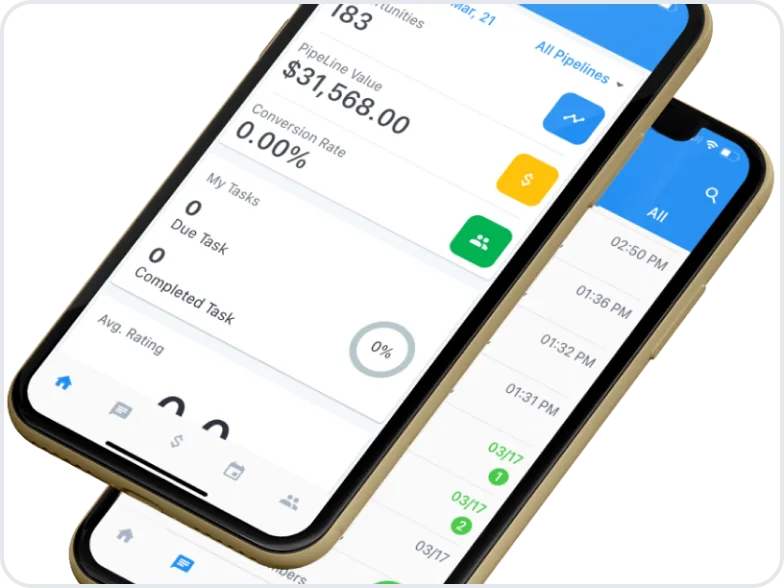
Why a CRM ends up as a contact list
The platform arrives with a demo, a login and a trial. Somebody imports a spreadsheet, creates the users and gets as far as the pipeline that came with the software: New, Qualified, Won, Lost. None of those is how the business quotes, schedules and closes.
The forms keep emailing a shared inbox, the calendar lives somewhere else, and the automations are off because nobody wrote them. The result, months later, is a contact list with a monthly bill attached. That is a configuration problem, and a different platform starts the same sequence again.
What happens on the 3 implementation calls
The White-Glove Setup runs in phases across 3 Zoom calls, worked against an approximately 100-point setup checklist. Each call has a job, and building happens between them.

Call 1: how you actually sell
Where inquiries come from, who touches them, what the stages really are, what makes a deal won or lost. The pipeline comes from that, not from a template.

Then we build
HighLead configures the CRM, pipelines, calendars, forms, messaging and automations against the checklist, so the next call reviews something real instead of a plan.

Call 2: review and connect
You walk the build. Stages, wording, timing and owners get corrected, and the phone, calendars, forms, website and your other tools get connected.

Then your data moves in
Contacts, history and open opportunities are imported and matched, so the system launches with your business in it rather than empty.

Call 3: train and launch
Your team is trained on what they touch: the pipeline, the conversation view, the calendar and their tasks. Automations are switched on in order.
Implementation can be completed in as little as about 1 week, depending on scope, access and how quickly answers come back.
What a CRM implementation actually covers
Pipelines and stages
One pipeline for each way you sell, with stages named after what happens: quoted, scheduled, in progress, won.

Calendars and booking
Booking links, availability, buffers, confirmations and reminders, on the calendars your team already keeps.

Lead capture and forms
Website forms, landing pages, chat and ad-platform lead forms feeding the CRM directly, so an inquiry never arrives only as an email.

Messaging
Business texting and email in 1 thread per contact, with your number registered and your sending domain configured.
Automations
The response, follow-up, reminder, review-request and reactivation sequences you approve, triggered by what the record says rather than by memory.

Integrations and reporting
The tools that have to talk to the CRM: phone, calendars, forms, website, payments and ad platforms. Then reporting on where opportunities come from and what happens next.
The approximately 100-point checklist goes further than this, and points that do not apply to you are not forced into it.
Messaging runs on your own contacts: the people who called you, submitted a form or did business with you. Opt-out is honored across text and email, quiet hours are yours to set, and carrier registration is handled during setup. Messaging rules differ by state and by industry, and HighLead is not a law firm, so counsel is the right check in a regulated field.
See usage ratesMOBILE CRM
Configured for desktop, usable everywhere.
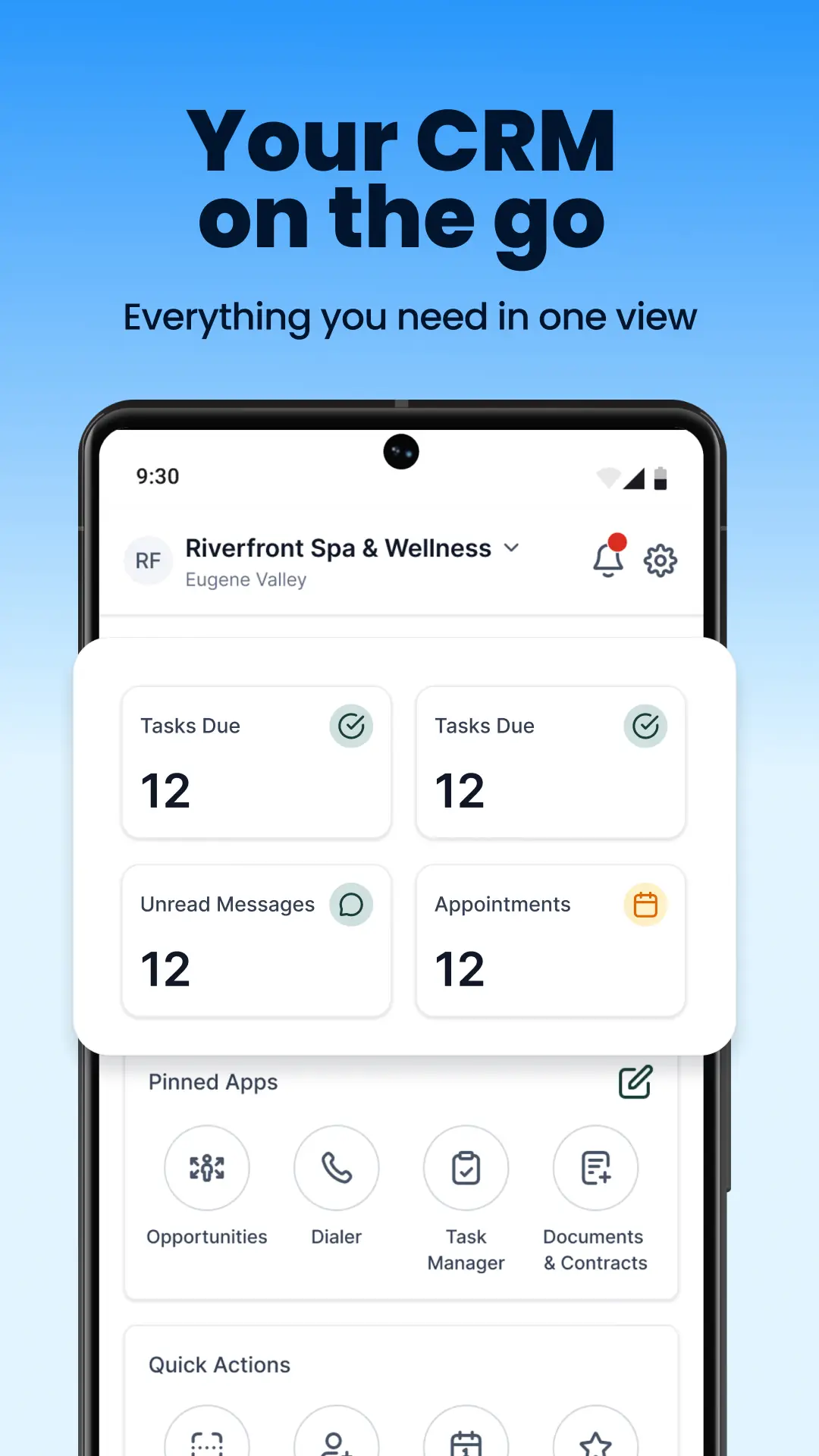
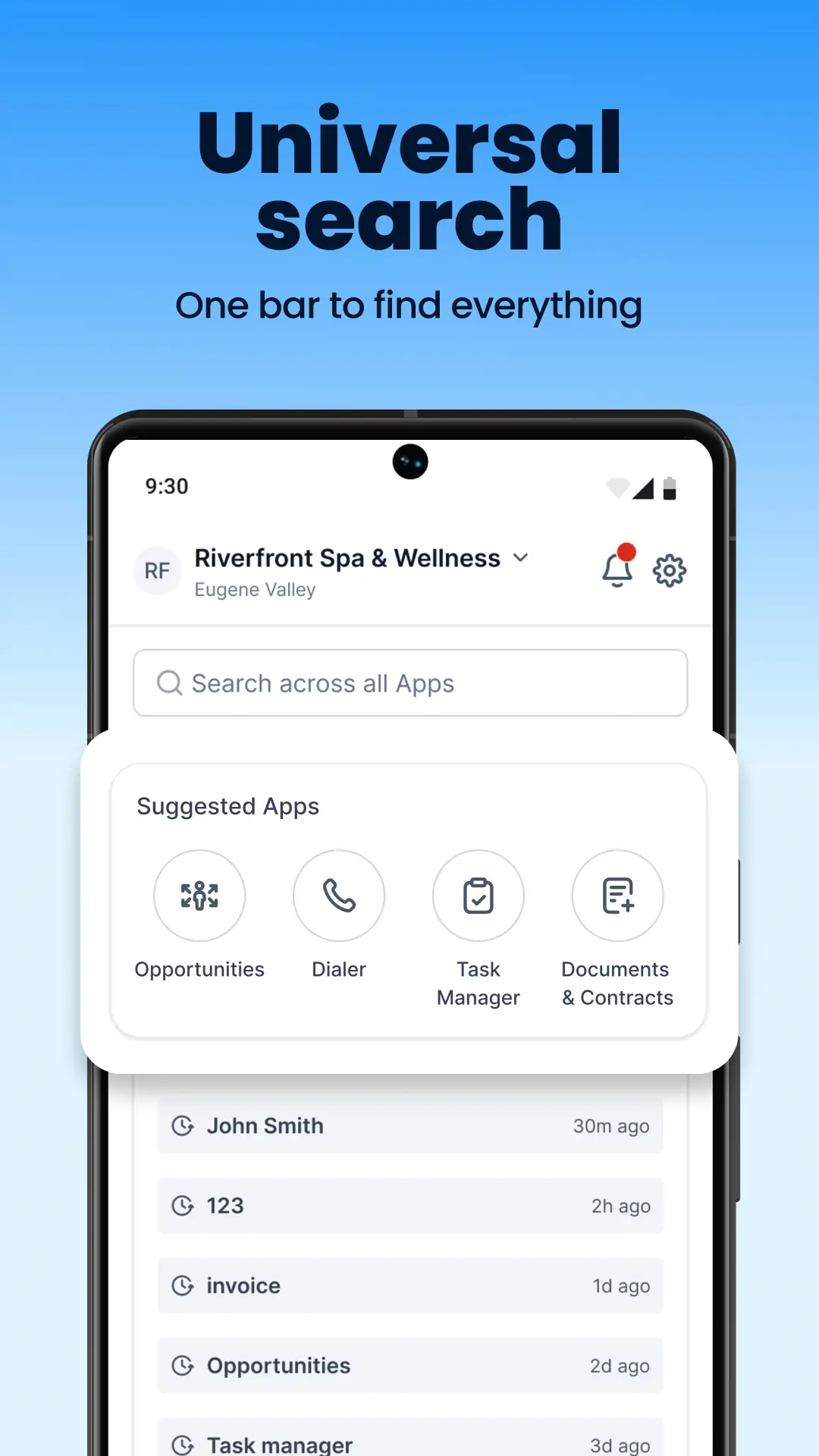
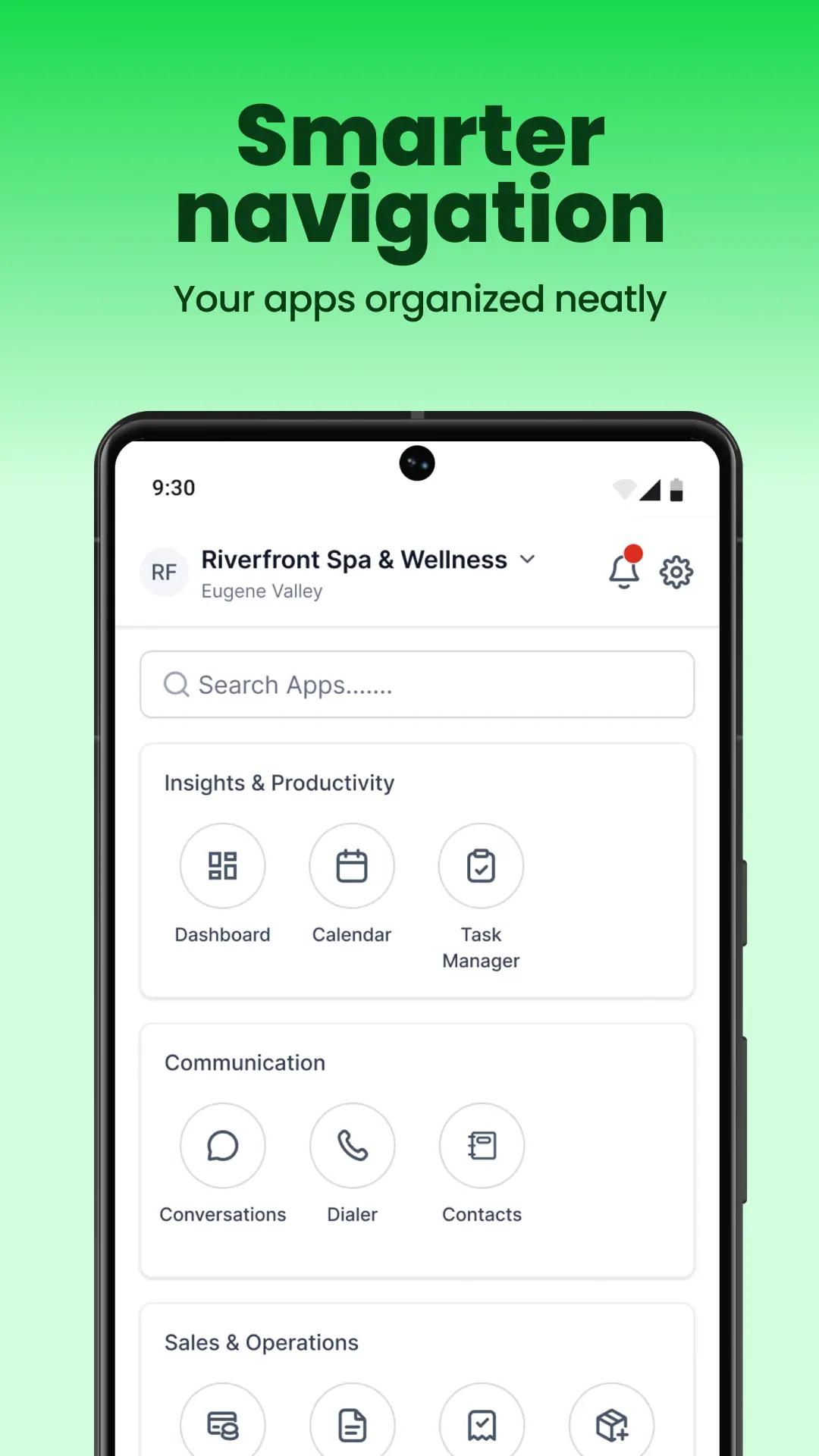
HighLead CRM setup includes a mobile app experience your team can actually use day to day. Once the system is configured, your team can check opportunities, conversations, tasks and key information from anywhere.
- Access the CRM on the go
- Find what you need faster
- Keep work moving outside the office
The CRM you already have
Keeping it is a real option rather than a formality. On the first call we look at what it does well and what it does not, then decide whether integrating with it or moving the workflow into HighLead System serves you better. A business with a working CRM and no follow-up has a different problem from a business running on an inbox and 3 spreadsheets.
If the data moves, it moves as a project rather than a drag and drop. Contacts, open opportunities, notes and history come across where the source can export them, deduplicated on the way in and checked before anything is switched off. Unmatched records are flagged rather than merged quietly.
What we need from you
An implementation stalls for 1 of 3 reasons, and the software is none of them.
Access
Logins for the website, the domain, the calendars, the phone number and the tools being connected. Gathering them before the first call shortens a build more than anything else.
Decisions
Somebody who can say how the business sells and settle what a stage means. The owner, the sales lead or whoever runs the office.
Responsiveness
The about 1 week figure assumes answers come back the same week. Each phase waits on the one before it, so responsiveness sets the pace.
Where it fits with the rest of the system
CRM Setup is how HighLead System arrives, and every capability inside it depends on the configuration being right.
Lead Follow-Up
Follow-up fires on something the record knows: a form submitted, a quote sent, a stage that has not moved.
How Lead Follow-Up worksLead Reactivation
Going back through contacts you already paid for needs them in 1 place, deduplicated and segmented. That is what the migration is for.
How Lead Reactivation worksReputation Management
The review request fires when the CRM records the work as finished, so the pipeline stage is what makes it possible.
How Reputation Management worksBooking & Pipelines
The booking link, the calendar and the single view of every open opportunity are configured here.
CLIENT TESTIMONIAL
A CRM is only useful if the team can actually see and work the opportunities.
Melissa from MG Construction & Decks shares how HighLead gives her visibility into every lead and how her office team handles them in real time.
Who it fits
Businesses on their second CRM
The first was bought, half configured and quietly abandoned. The idea was fine. The setup never happened.
Teams running on inboxes and spreadsheets
Quotes in a folder, leads in an inbox, appointments in somebody's phone. Nothing is lost on purpose.
Trades and field teams
The office and the crews need the same view of a job, from first call to signed work.
How we work with home services businessesSales teams with a long quote cycle
Where an opportunity stays open for weeks, the pipeline is what remembers it.
How we work with industrial companiesSetup and pricing
CRM Setup is not sold separately. It is what the one-time build covers, and the plan keeps the system running.
Professional — White-Glove Setup
$197 per month plus a $697 one-time build, or $1,970 per year with free setup and 2 months free. Includes the 3 Zoom implementation calls, phased implementation, the approximately 100-point setup process, configuration, training, pre-built automations and implementation support.
HighLead Platform (Self-Serve)
$97 per month or $970 per year. Platform access and onboarding documentation, configured by you. No implementation, no onboarding calls and no launch support. It fits a business with somebody in-house to do the configuring.
Messaging and phone usage is billed separately, at the rates on the Usage & Fees page.
CRM Setup is a good fit if…
- You bought a CRM and it is being used as a contact list.
- Your pipeline stages came with the software and do not match how you sell.
- Inquiries arrive as emails and get worked out of an inbox.
- Quotes, appointments and customer history live in different places.
- Follow-up and reminders depend on somebody remembering.
- You want it configured with you rather than handed over as a login.
A better starting point may be…
- The bigger problem is that too few qualified opportunities are entering the pipeline. Build demand first, then organize how those opportunities are managed. HighLead Growth
- The CRM is already structured correctly and the main gap is what happens after a new lead arrives. Lead Follow-Up Automation
- You mainly want access to the platform and prefer to configure the CRM yourself. HighLead Platform (Self-Serve)
- You need HighLead working across marketing, systems, AI, automation, and operations together. HighLead Supercharge
A configured CRM does not create demand
HighLead Growth is the acquisition side: Google Ads, Meta, SEO and cold email outreach that put your business in front of people looking. CRM Setup decides what happens next.
Explore HighLead GrowthHIGHLEAD SUPERCHARGE
When the CRM is 1 part of a bigger problem
Supercharge gives HighLead room to work across strategy, acquisition, CRM, analytics, AI, integrations and automation based on the priorities of the engagement.
Explore SuperchargeQuestions about CRM setup
Yes. For normal Professional migrations, HighLead handles the export/import and data mapping needed to move the supported records your existing platform makes available.
See what your CRM would look like configured
Start with a call. We will look at how leads reach you today, what your pipeline would have to say, and whether the setup is where to begin.